The world's first
Desktop Robotic Terminal
is coming.
Make your computer come alive.
Your hunch isn't the problem,static workspace is.
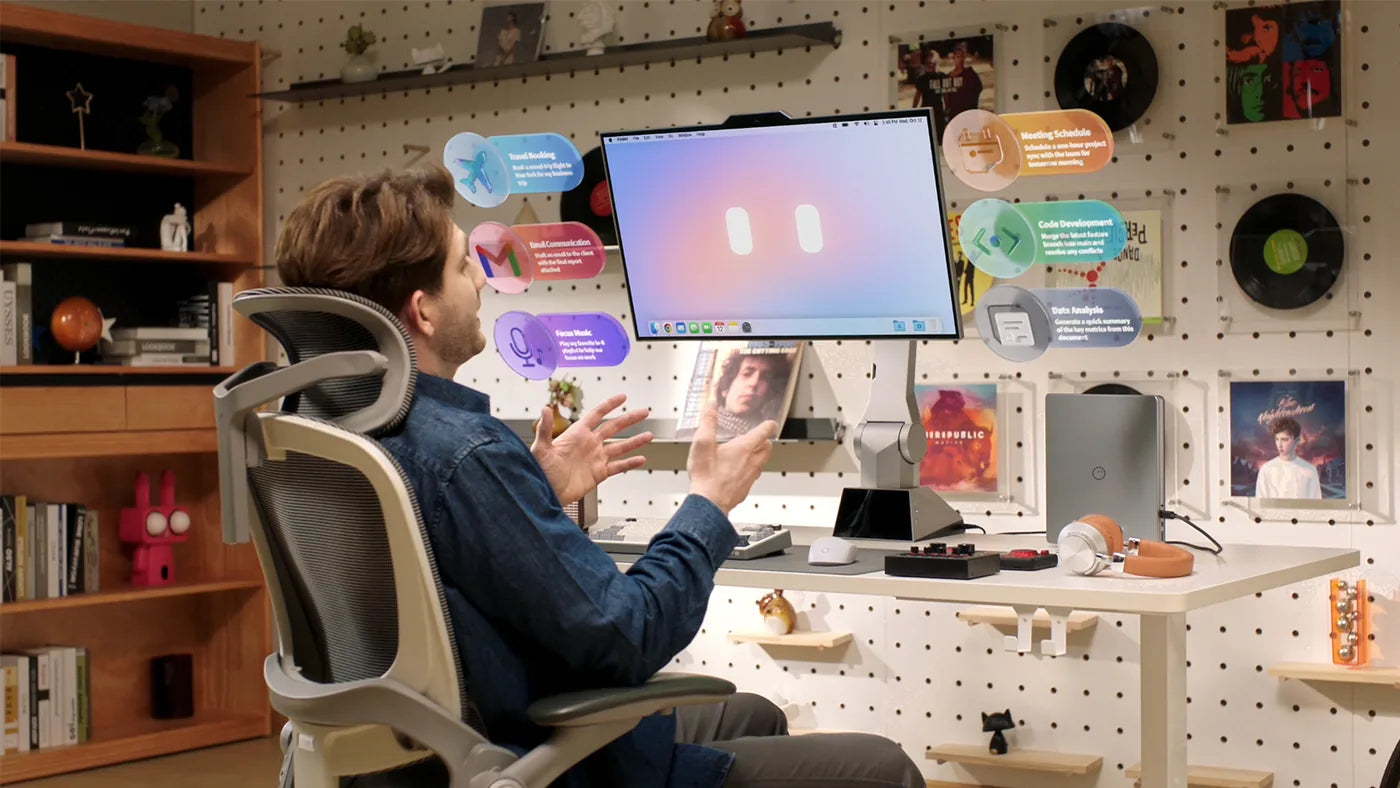
Speak to type, edit,search, and control your workspace.
Voice can be up to 3x faster than typing. With a robot built for spoken AI, that speed turns into real output. Ask it to draft an email, run a search, or control your desktop. Less friction. More done.
Mouse and keyboard were the old interface.The new one is already here.
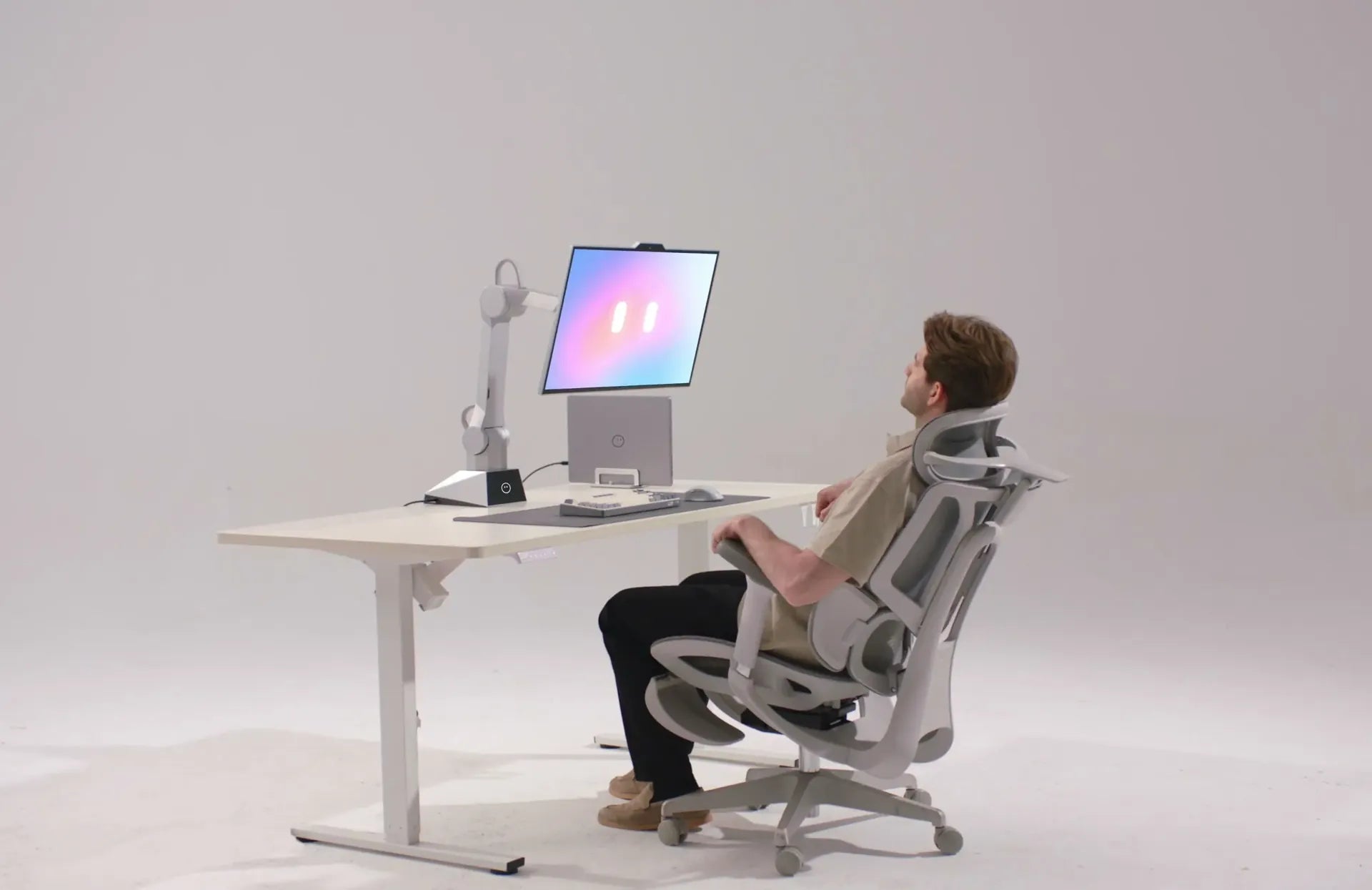
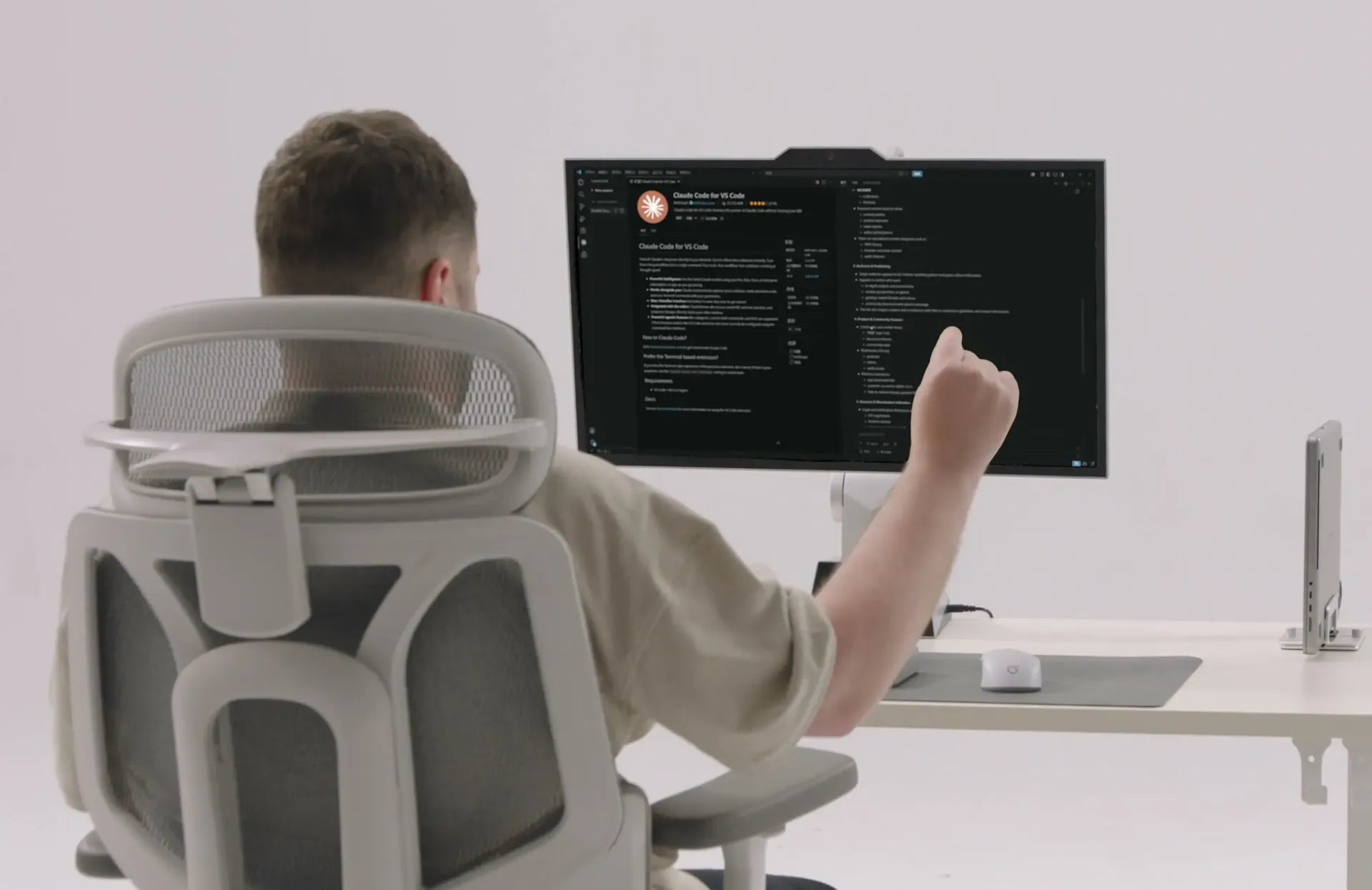
Gesture Zoom & Scroll
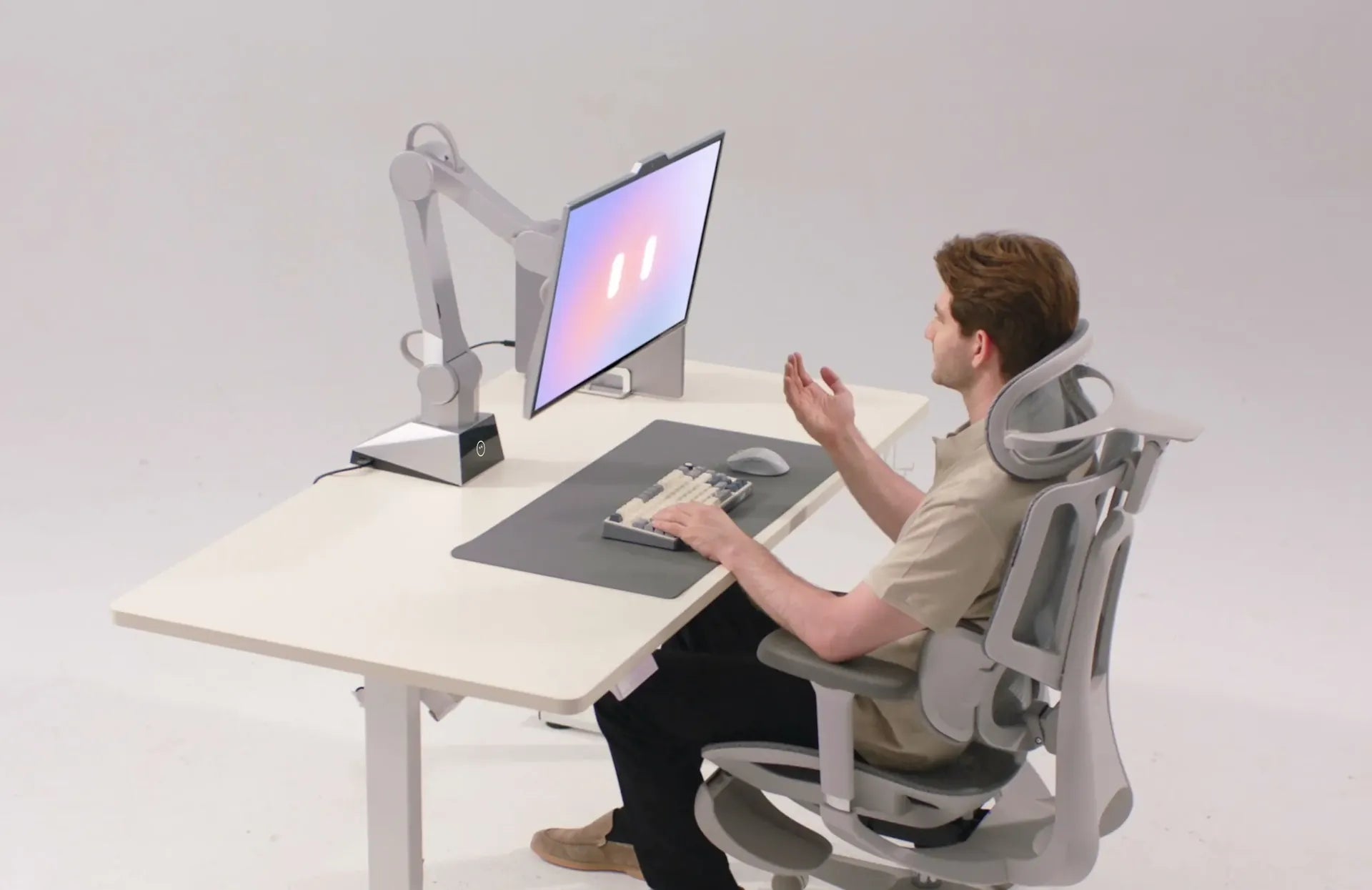
Wave In, Pull Back and Rotate
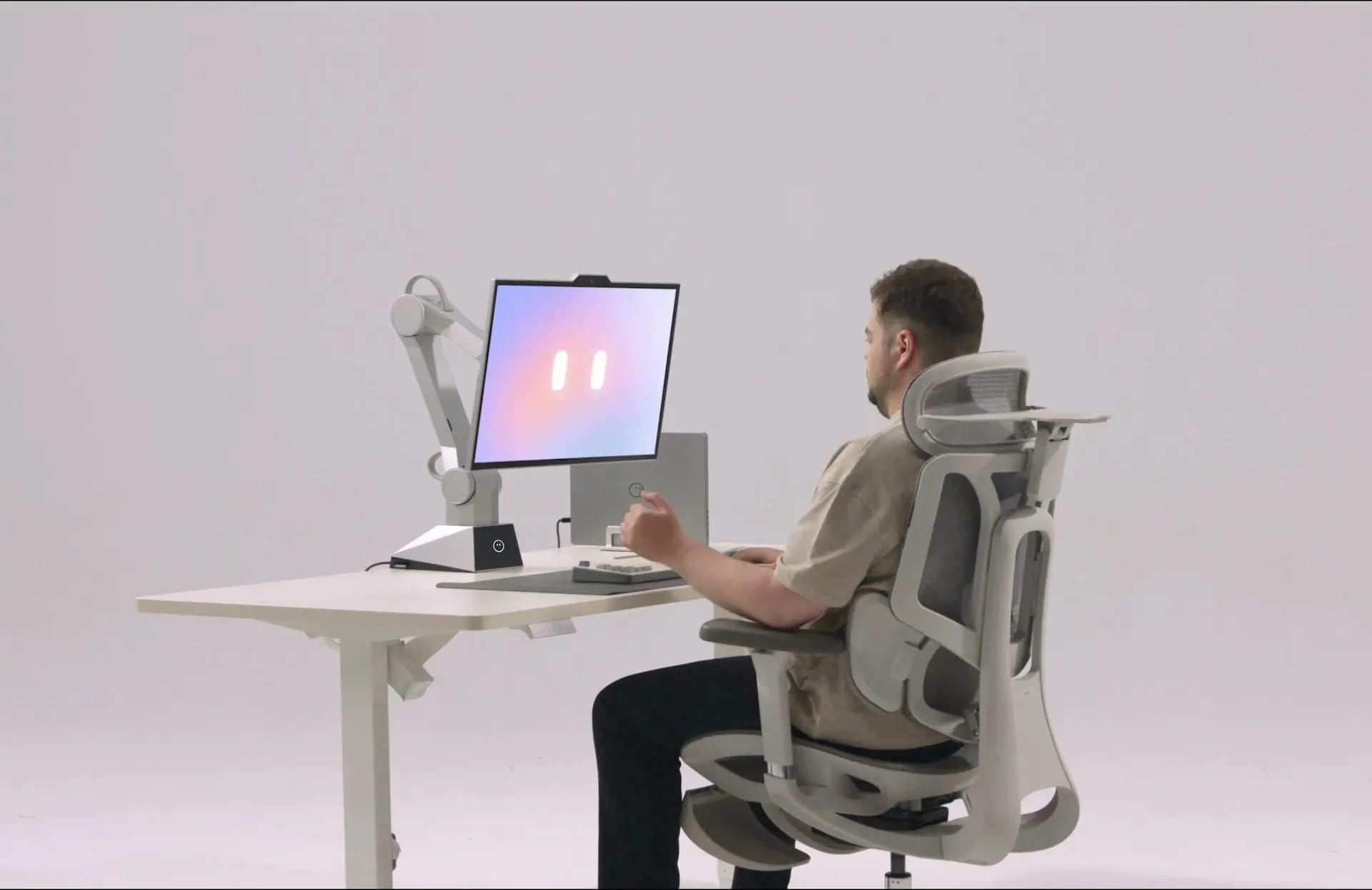
Tap to Stop
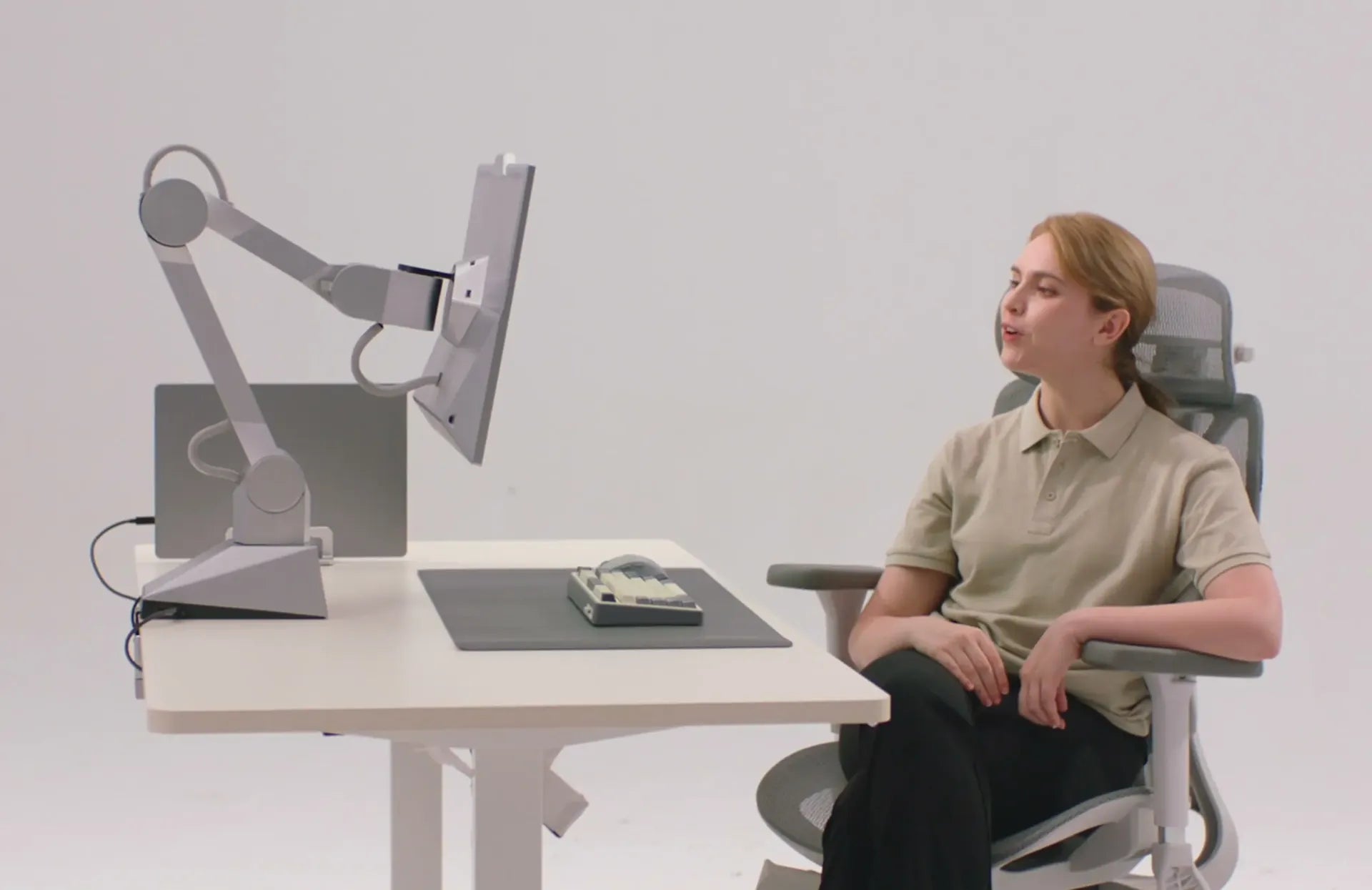
Voice Control
Join the room,even when you are away.
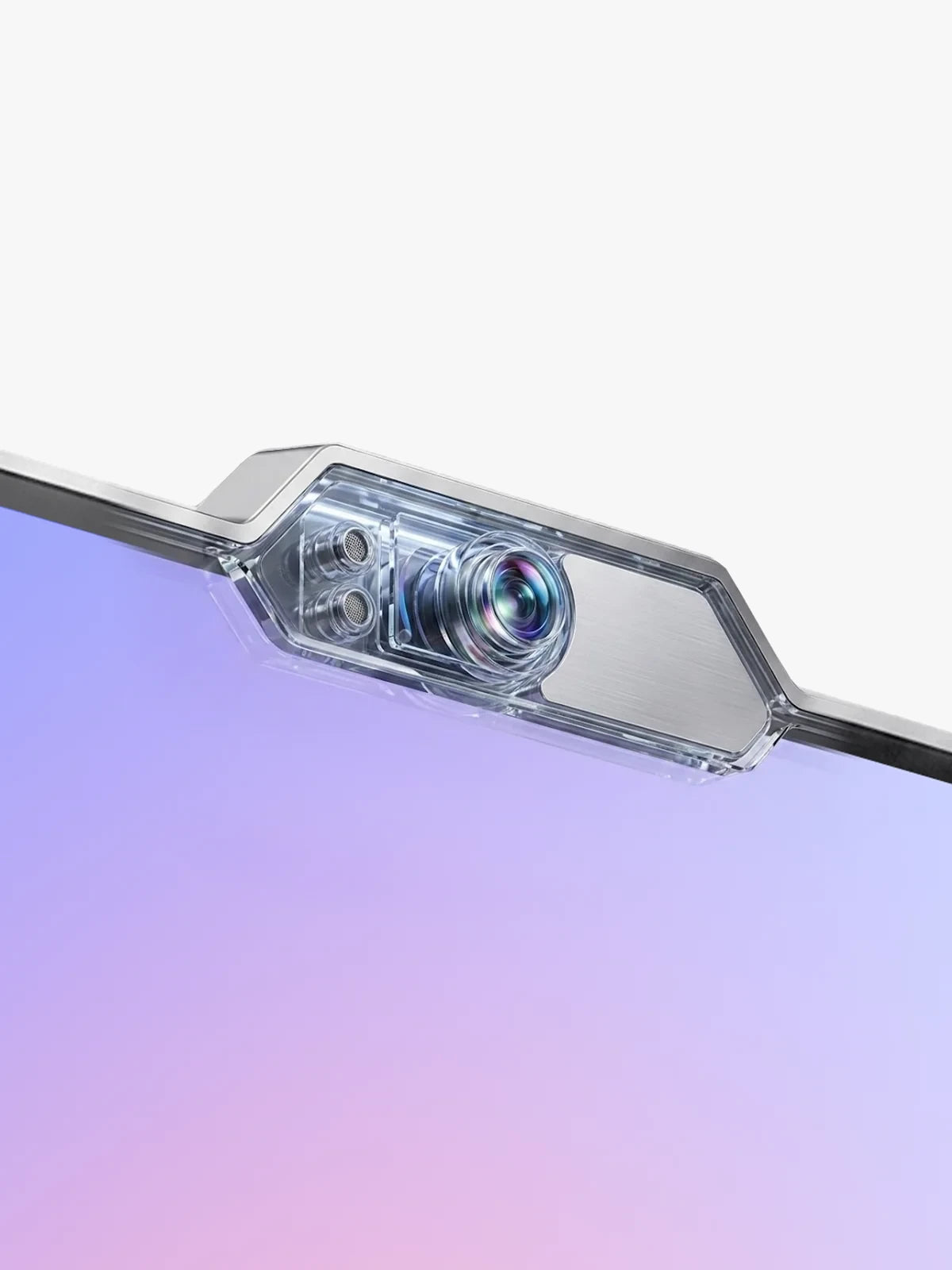
With a camera, microphones, and responsive motion, ONE makes remote presence feel less like a static video tile and more like a seat at the desk.
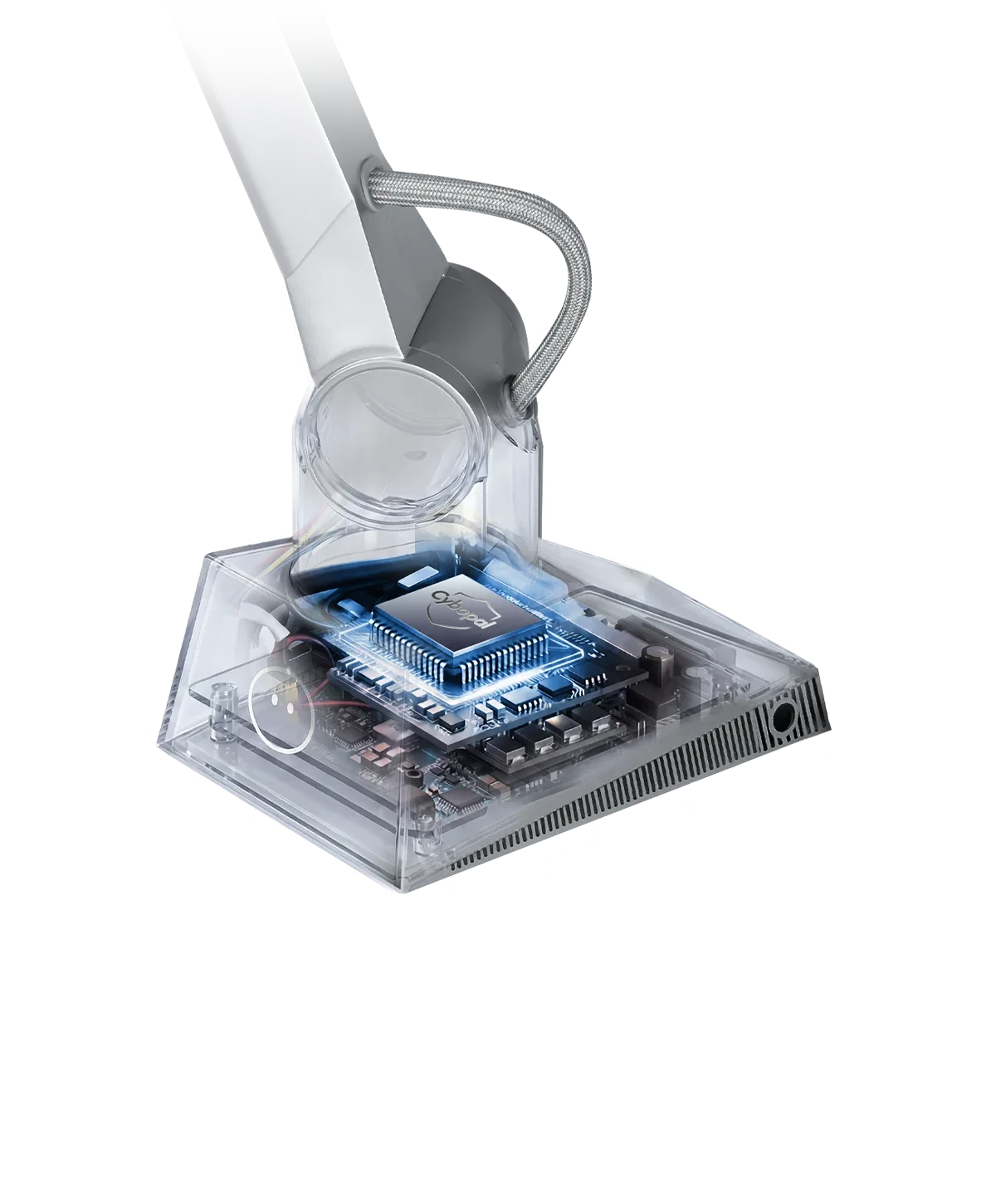
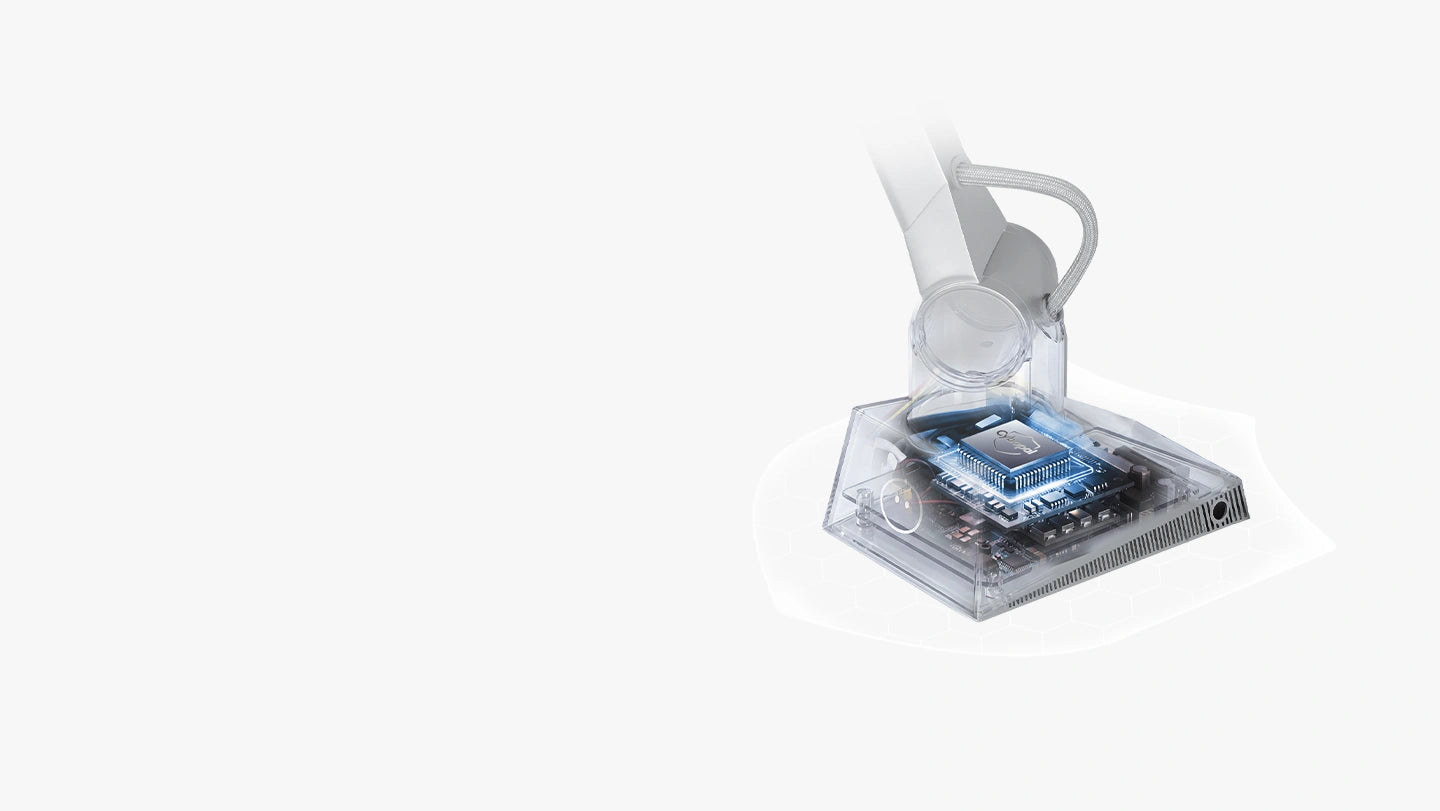
AI power, processed closer to you.
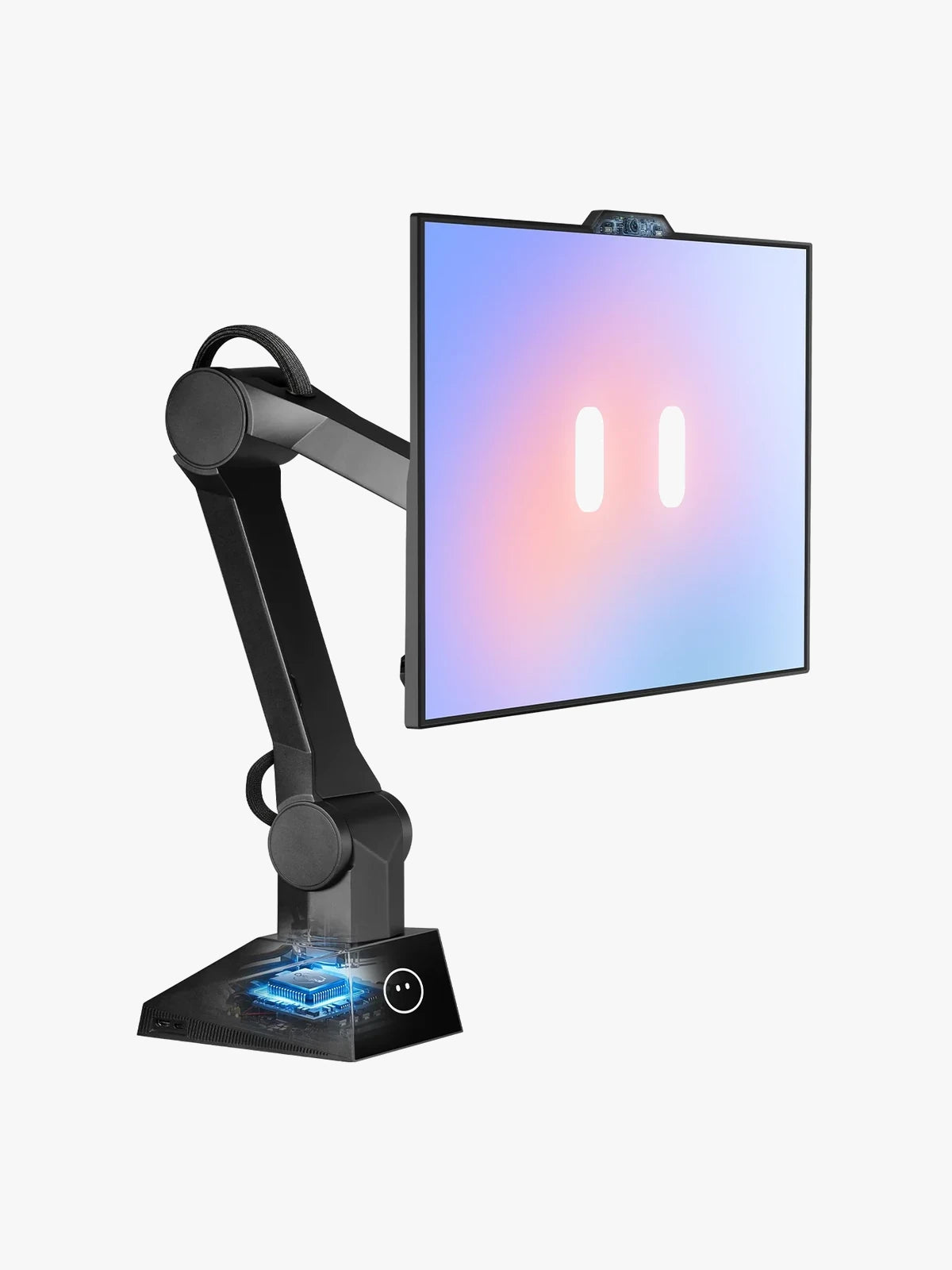
Core intelligence runs locally on ONE, so everyday interaction can stay fast, responsive, and private.
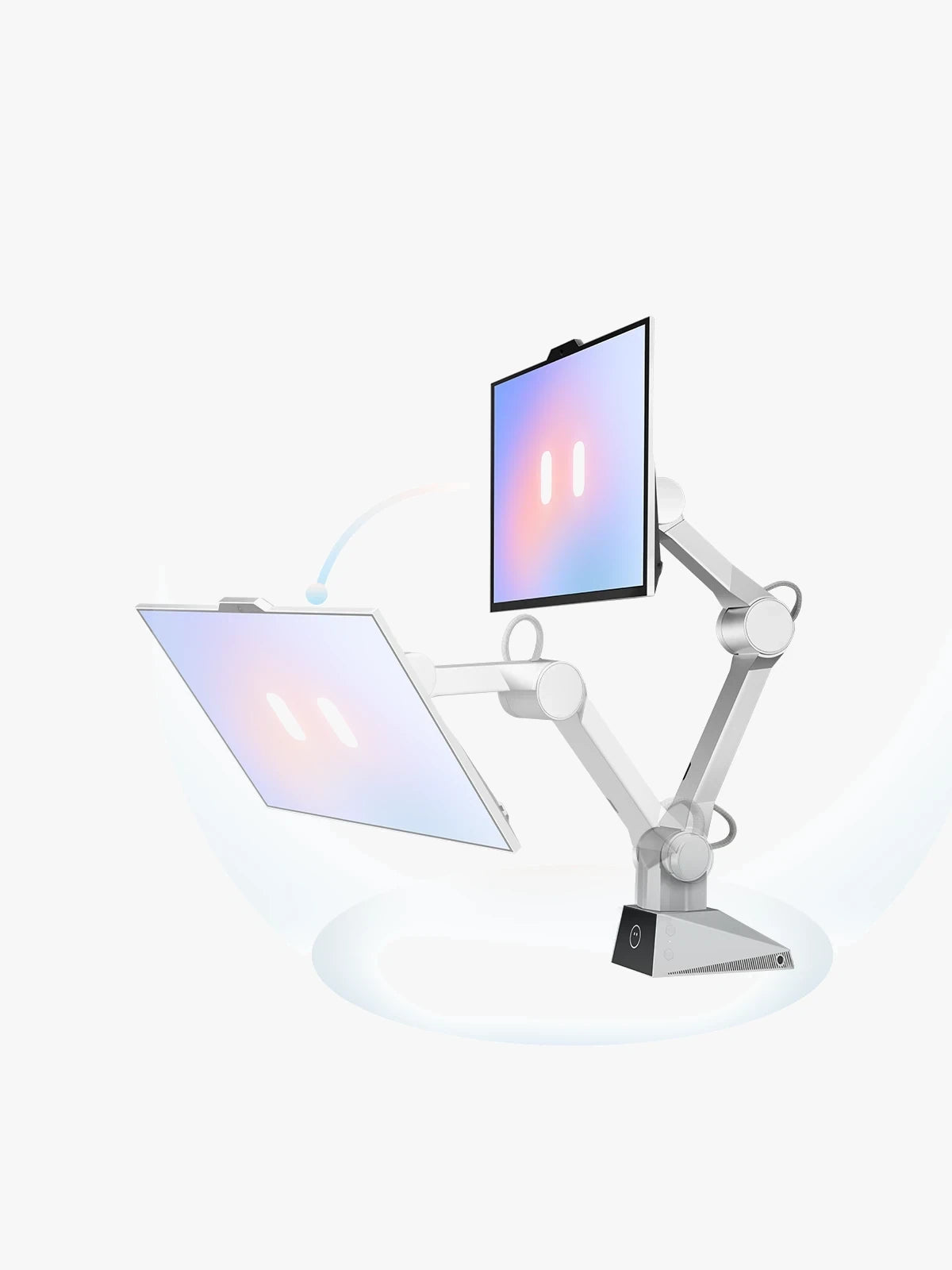
A workspace that moves with your rhythm.
ONE shifts, follows, and responds as you work, making a solo desk feel less static and more alive.
Open, switch, and control apps with one voice command.
Built for real desks, not empty demo tables.
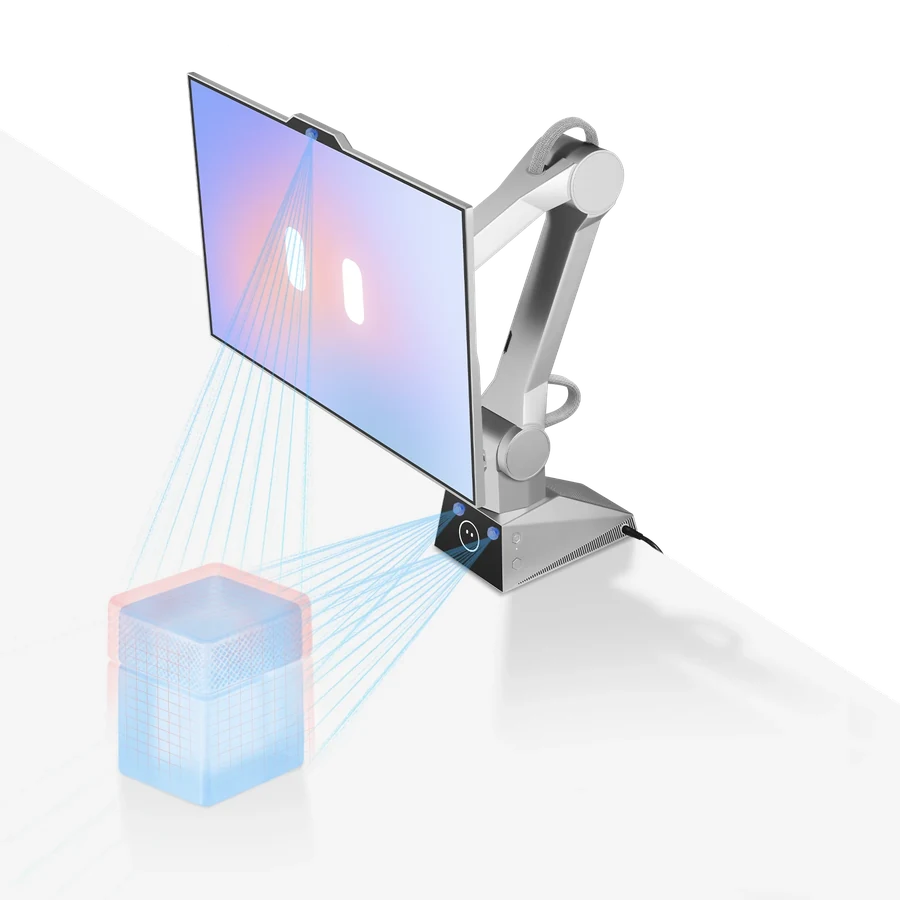
Sensors help ONE understand clutter, boundaries, and everyday objects before it moves.
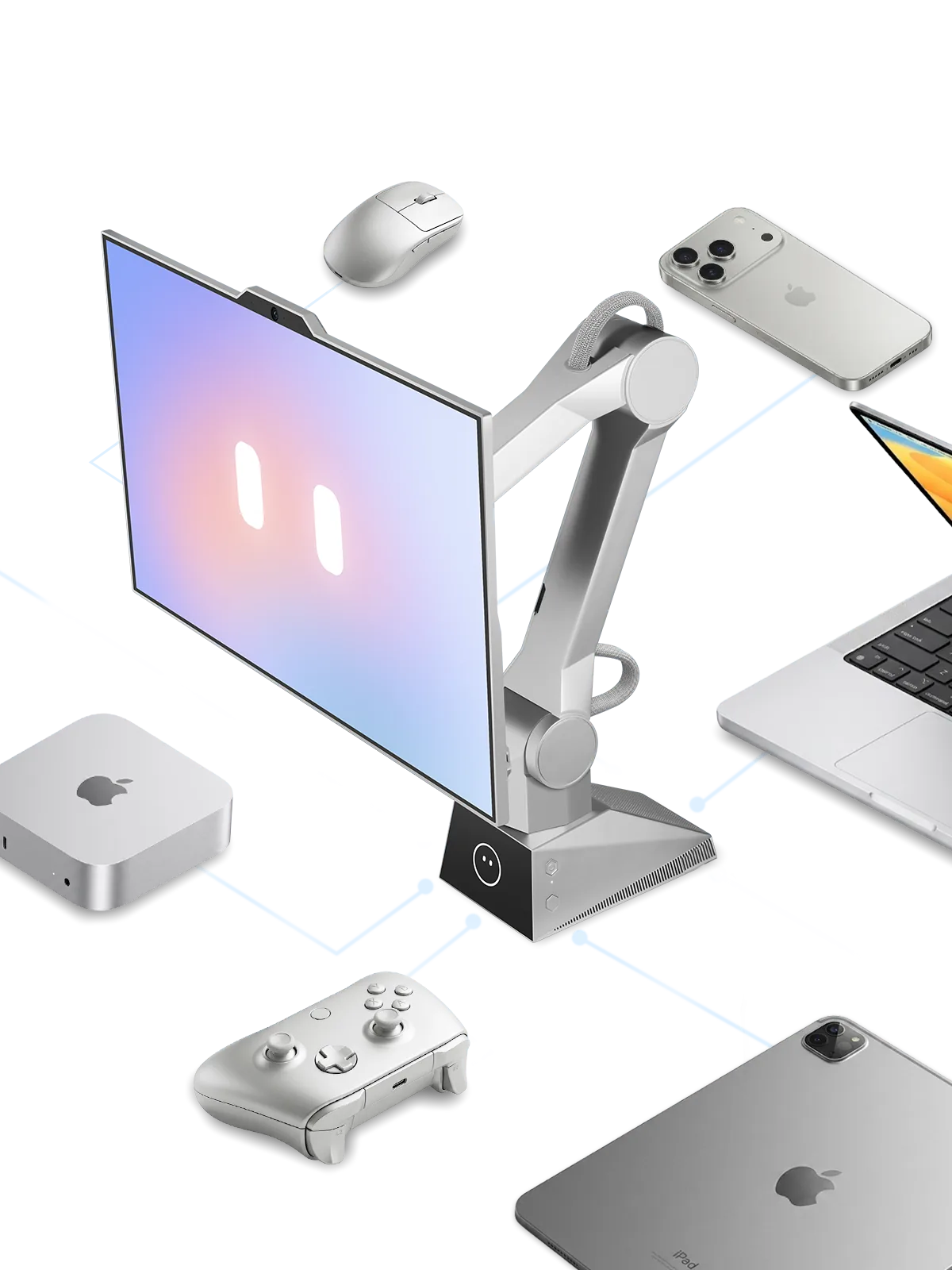
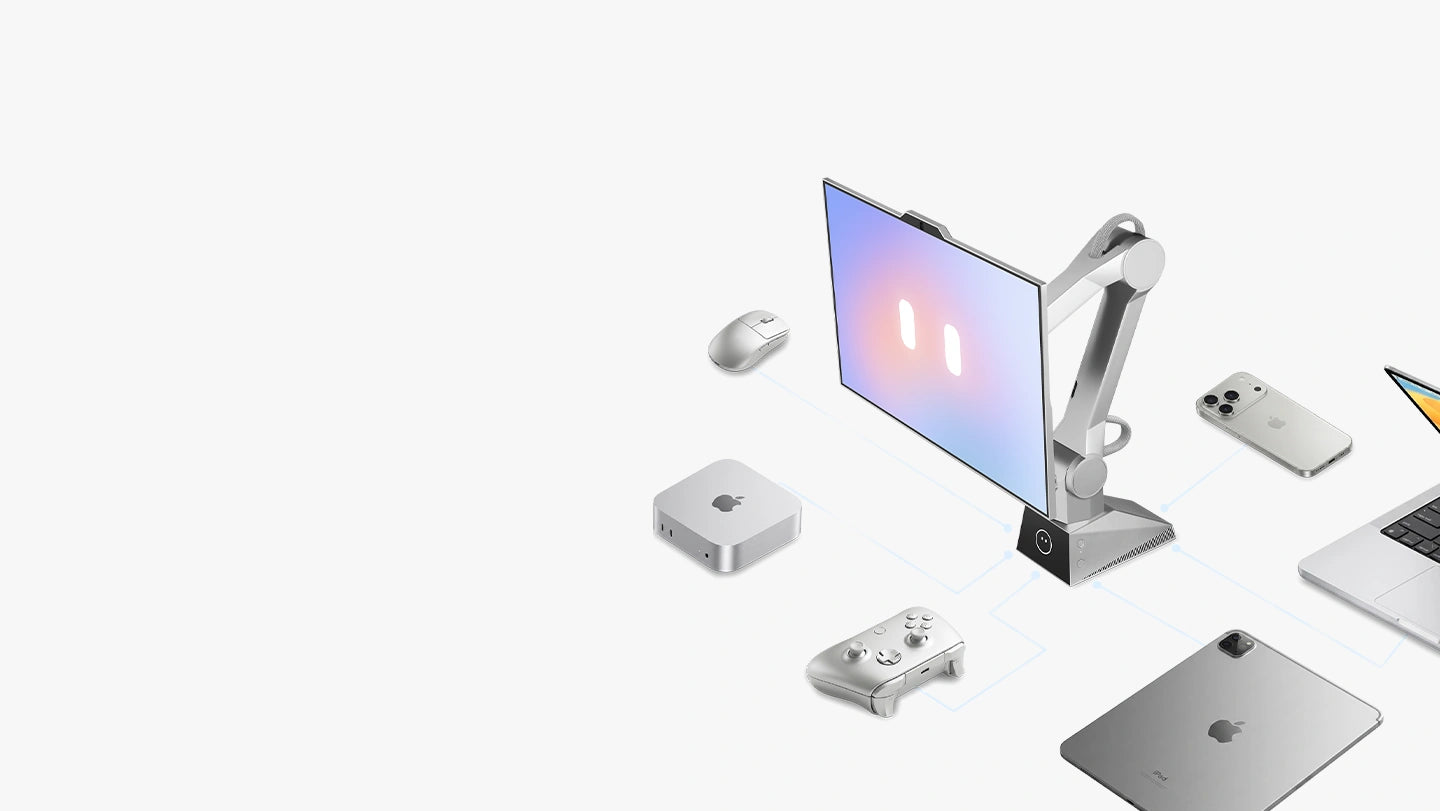
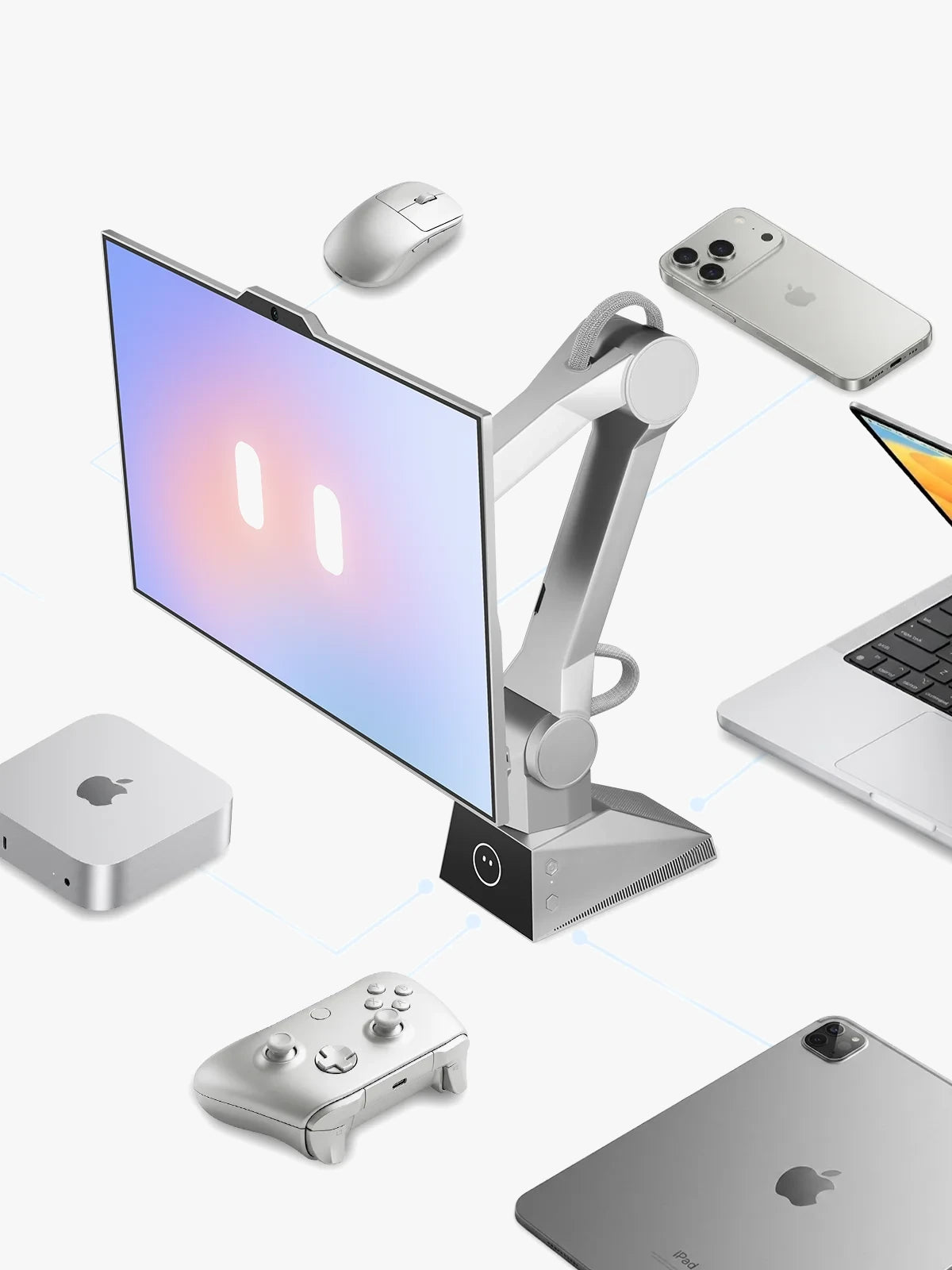
Bring your computer, phone, or tablet onto a workspace that moves.
Connect the devices you already use, then let ONE make them feel alive on your desk.
The technology that powers CyboPal
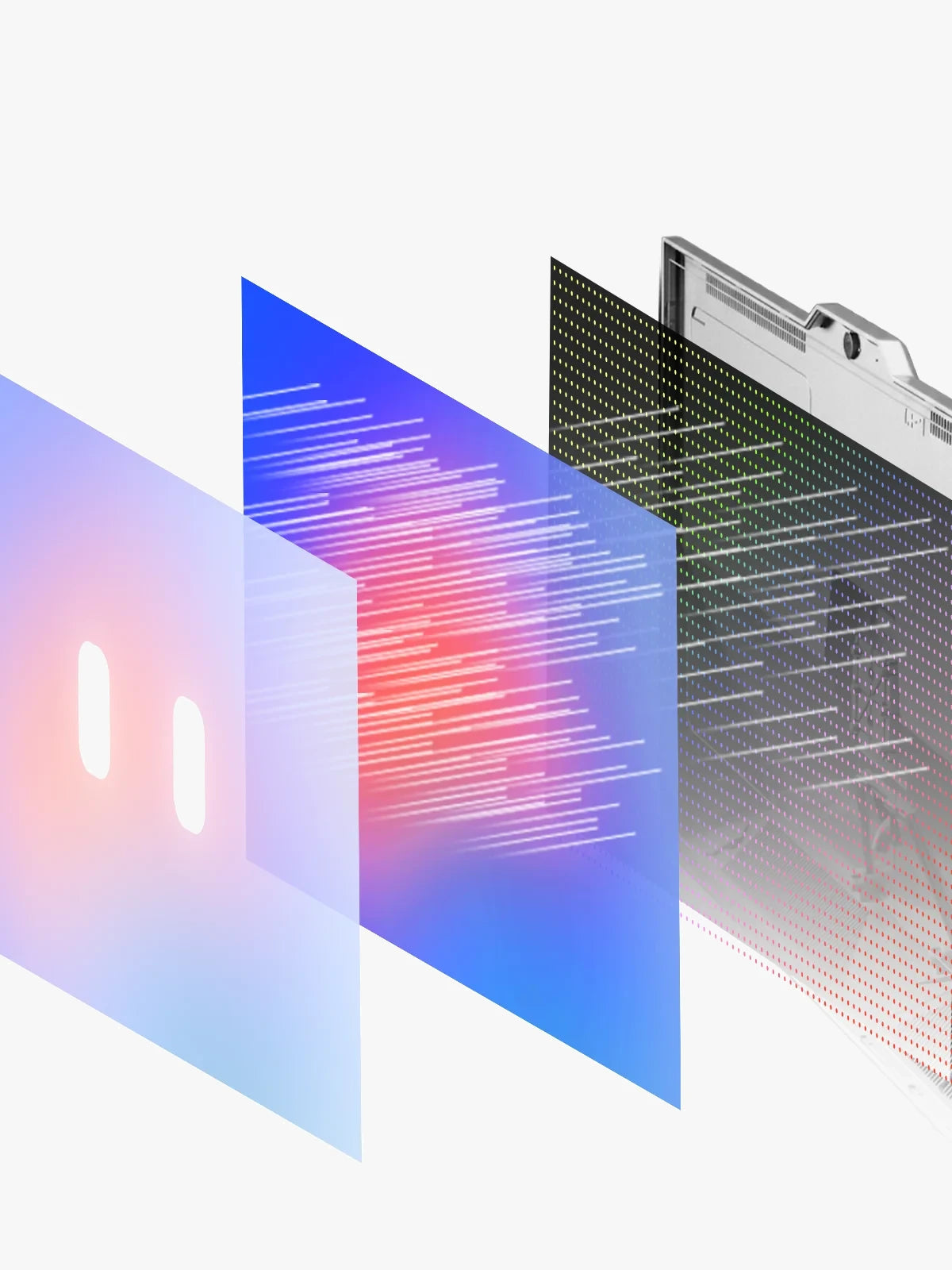
01 / 06
Display
- 27 inch
- 3840 × 2160 resolution
- 160Hz refresh rate
- 3.5" Pauli companion display
The technology that powers CyboPal
01 / 06
Display
- 27 inch
- 3840 × 2160 resolution
- 160Hz refresh rate
- 3.5" Pauli companion display
Frequently Asked Questions
01Is CyboPal ONE an all-in-one computer?
No. CyboPal ONE is a Desktop Robotic Terminal — it connects to your existing computer via USB-C or HDMI. Not a standalone PC. No need to replace your current setup.
02What computers does it work with?
macOS, Windows, and Linux. Plug and play via USB-C. No special hardware required.
03What's in the box?
CyboPal ONE Terminal, USB-C cable, power adapter, quick start guide. Everything you need to get started.
04Can I swap the screen for a different one?
No. CyboPal ONE's screen is purpose-built and permanently integrated with the robotic arm. This keeps the motion safe, balanced, and calibrated out of the box. More screen sizes are on our roadmap — stay tuned.
05Does it work without internet?
Core functions — tracking, gestures, presets, mode switching — all work offline. Voice-to-text and OTA updates require internet. On-device processing means your data stays local either way.
The Journey Ahead
CyboPal is opening access in stages. Early supporters will be the first to experience the next generation of desk technology as it comes to life.
01
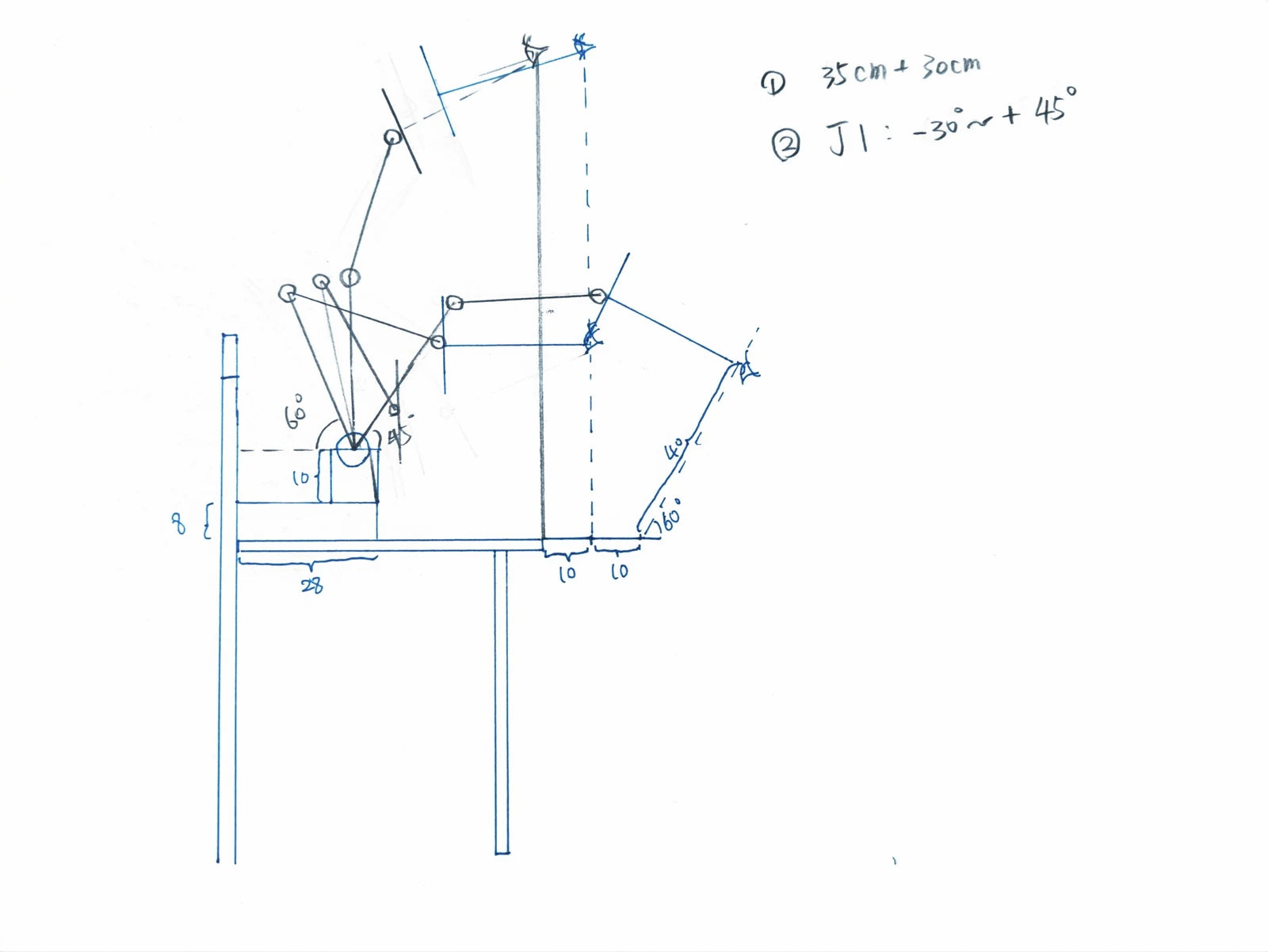
The First Sketch
A question that started everything: what if your screen could move toward you?
02
Engineering Prototype
A 6-DOF lab prototype proved it possible — crude, loud, but it moved.
03
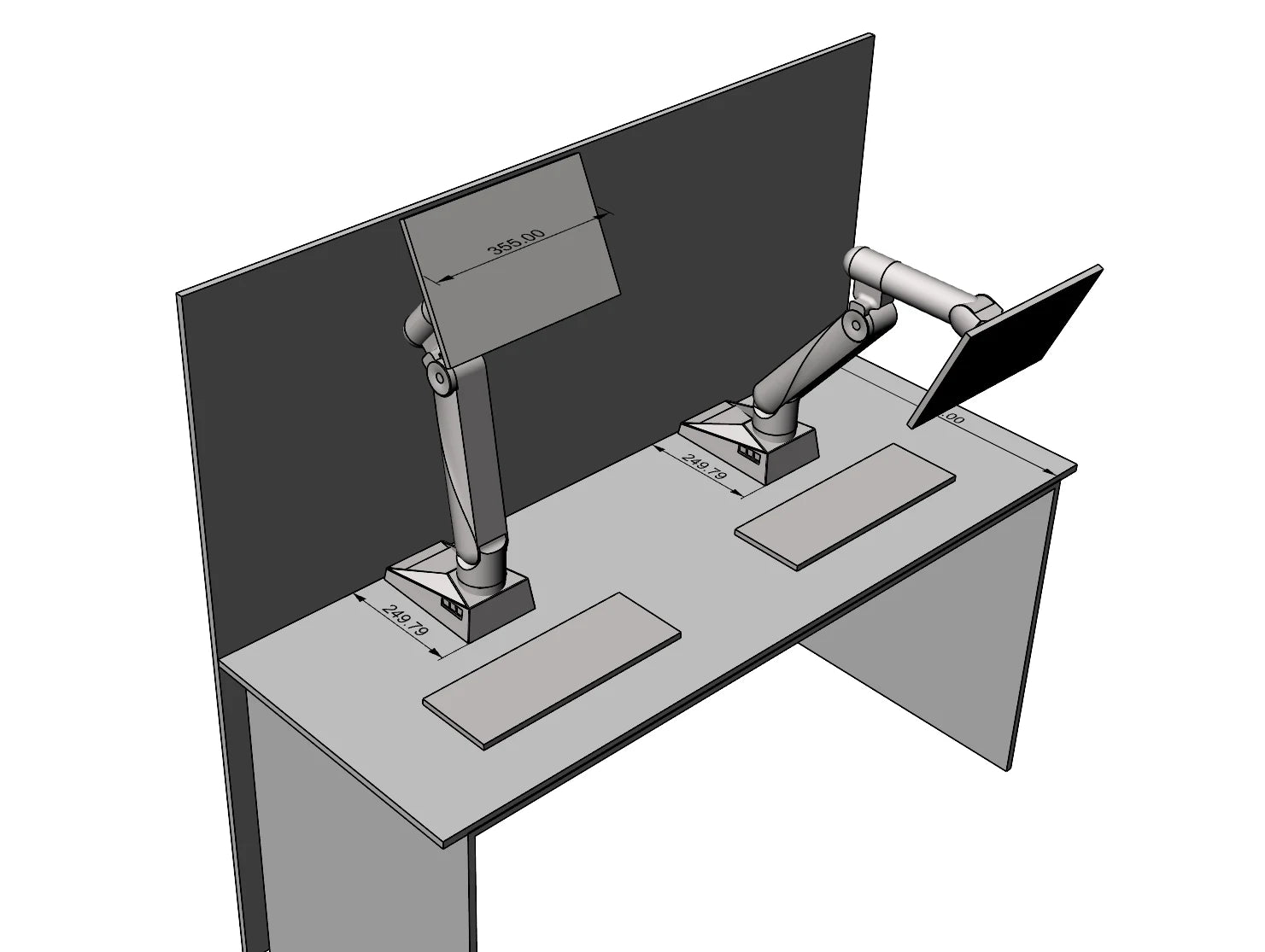
700mm of Reach
700mm of reach unlocked full-desk coverage — upright to reclined, hands-free.
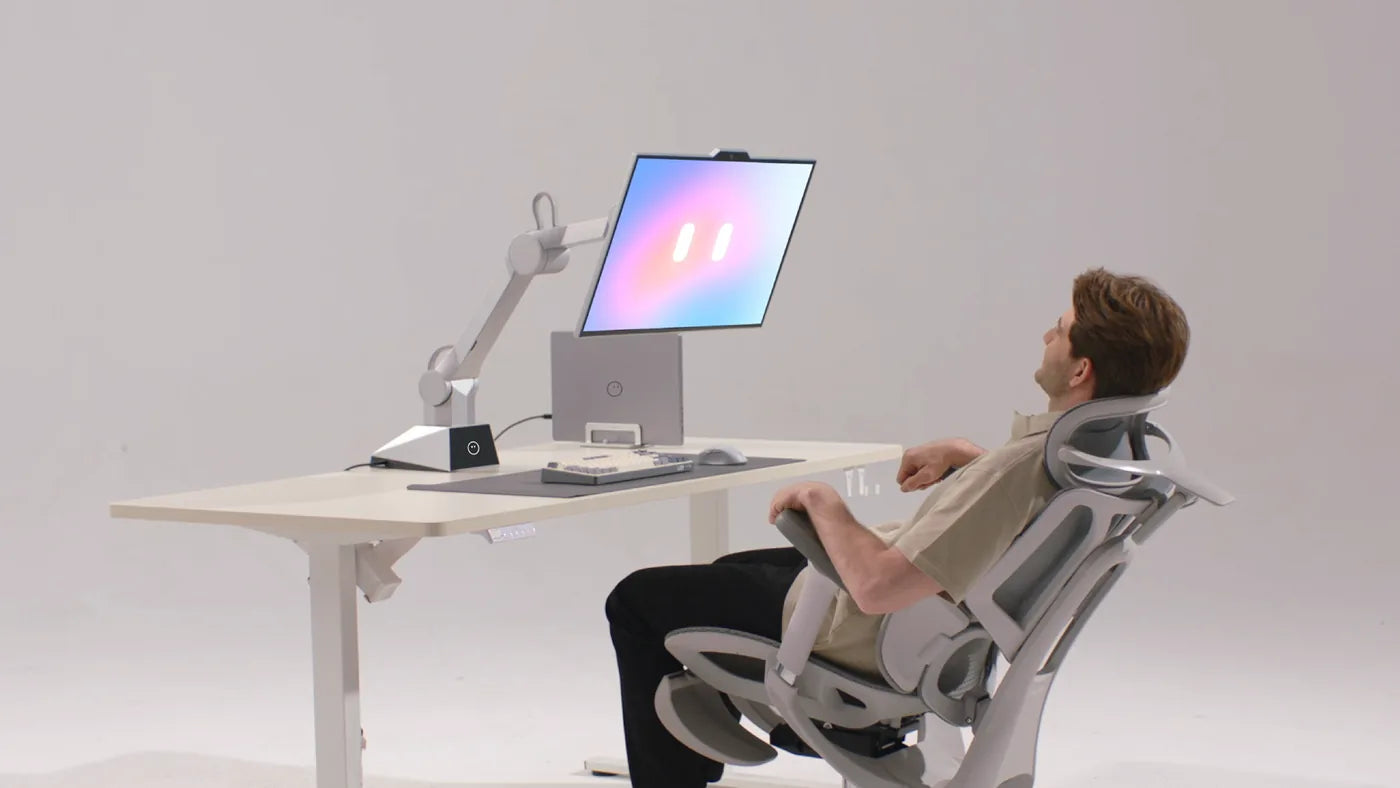
04
Real-World Navigation
Cables, mugs, notebooks — five layers of sensors handle a real desk's mess.
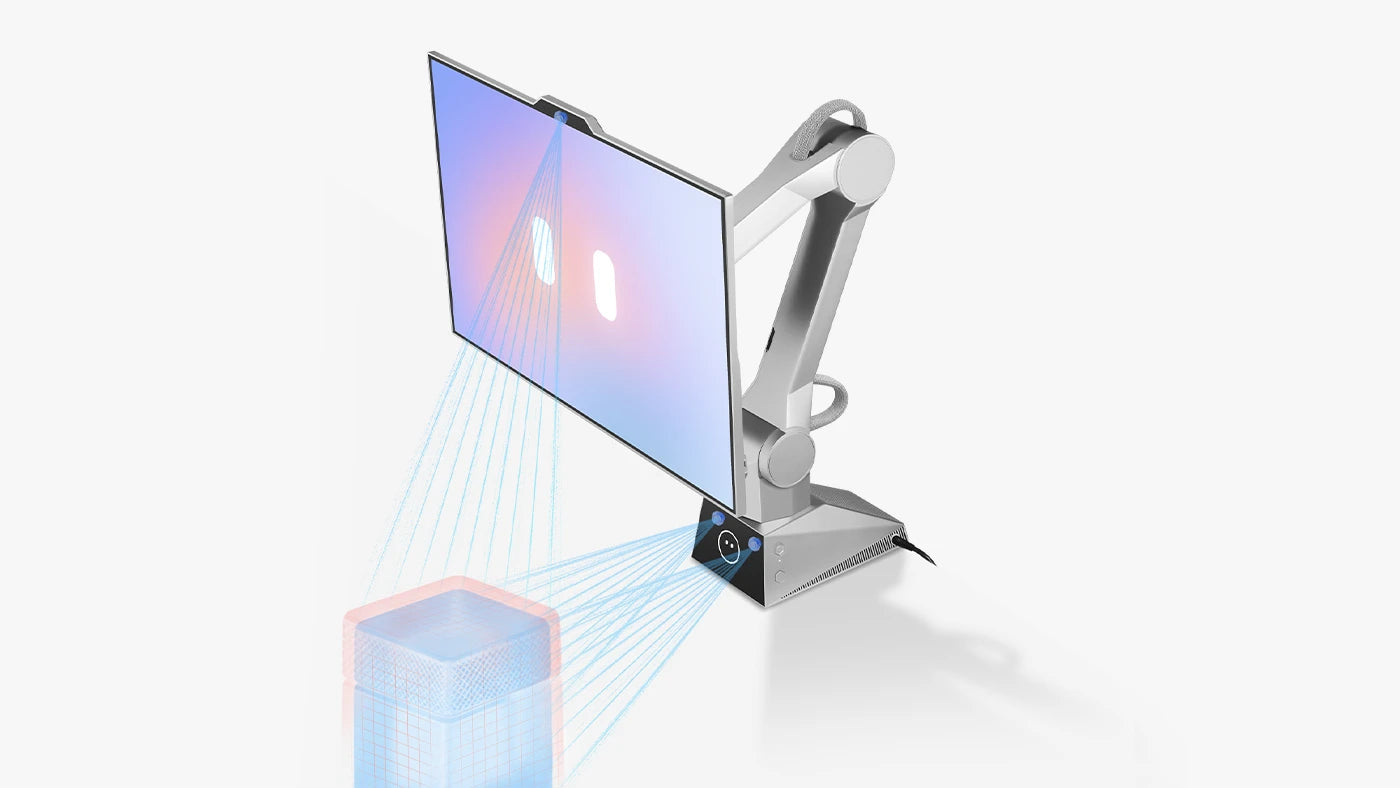
05
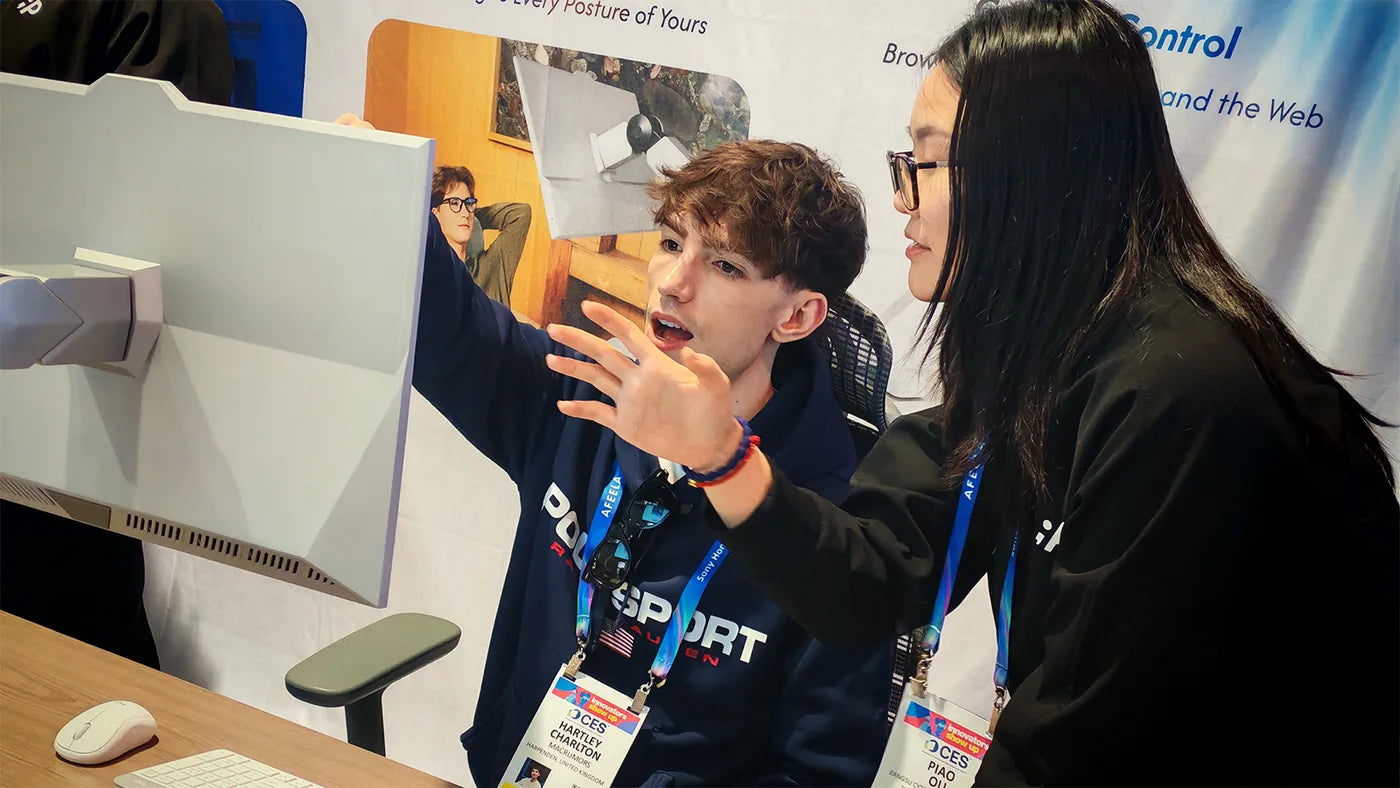
CES Debut
Thousands watched a desktop turn, rise, tilt, and follow a human — live.
06
Voice In, Screen Out
Speak naturally; the screen fills with results — agents working in parallel.
07
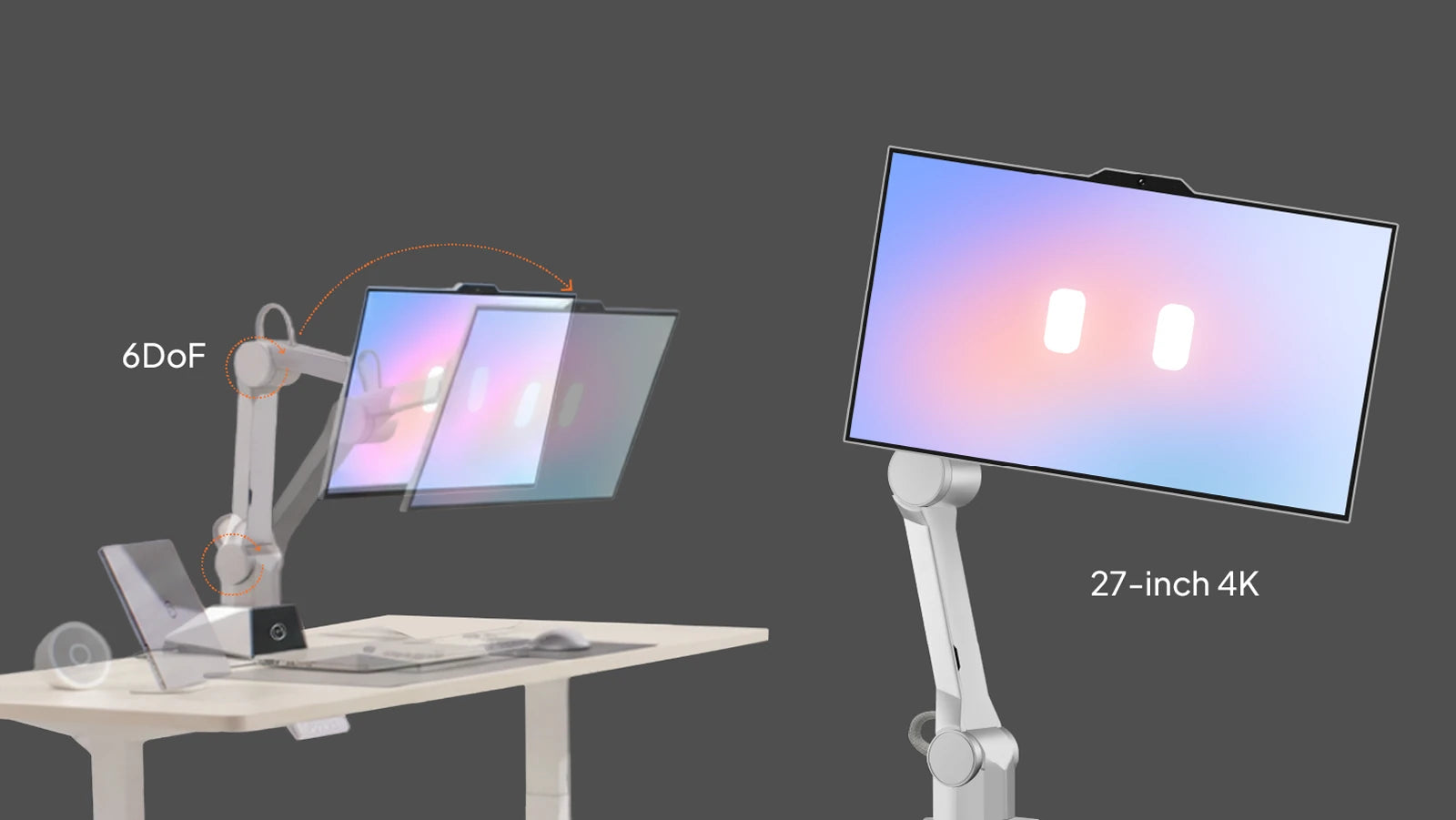
27-Inch, Refined
A 27-inch 4K display on a slimmer, near-silent 6-DOF arm.
08
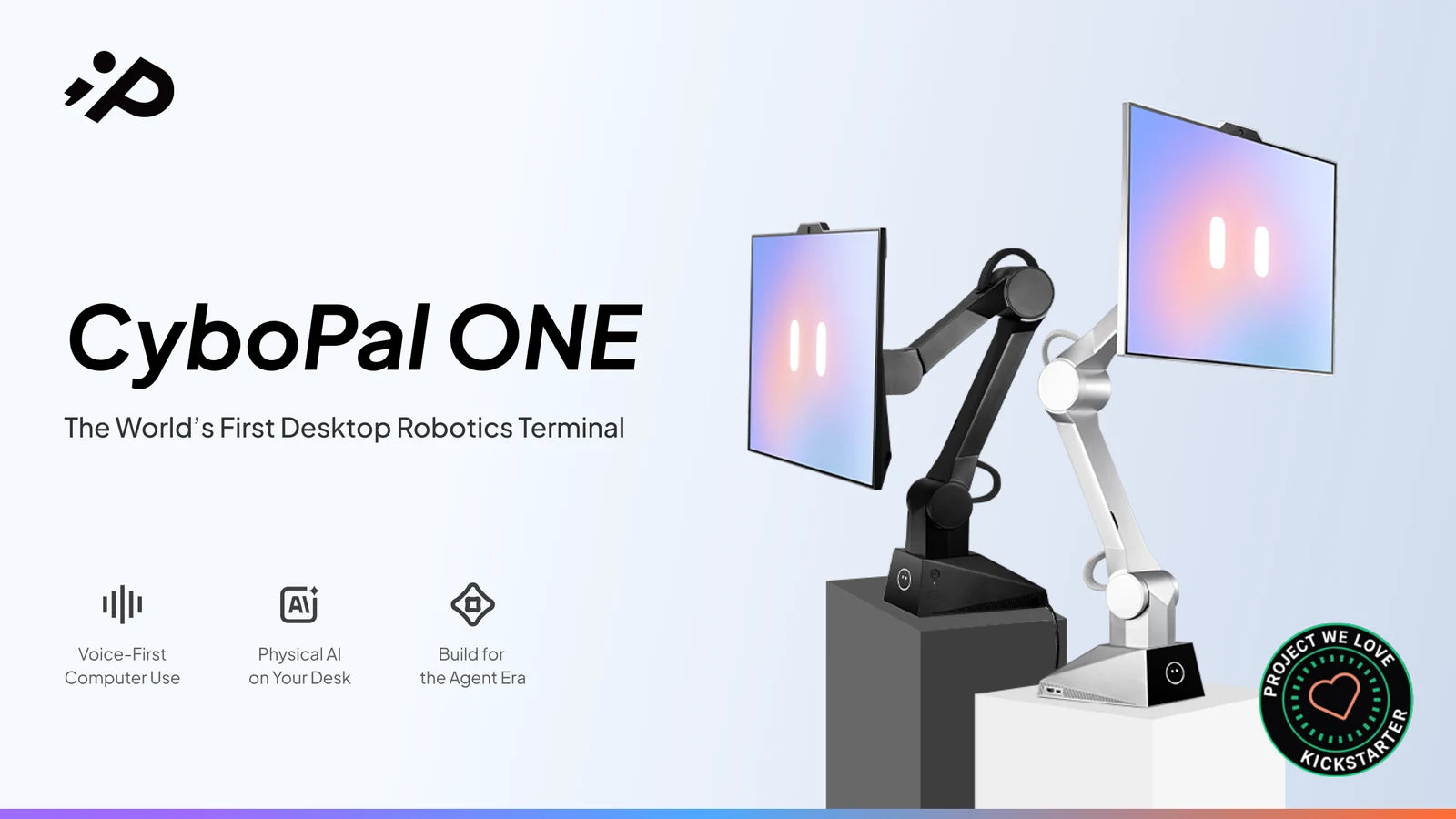
Kickstarter
Pre-orders open. The world's first Desktop Robotic Terminal is available.
09
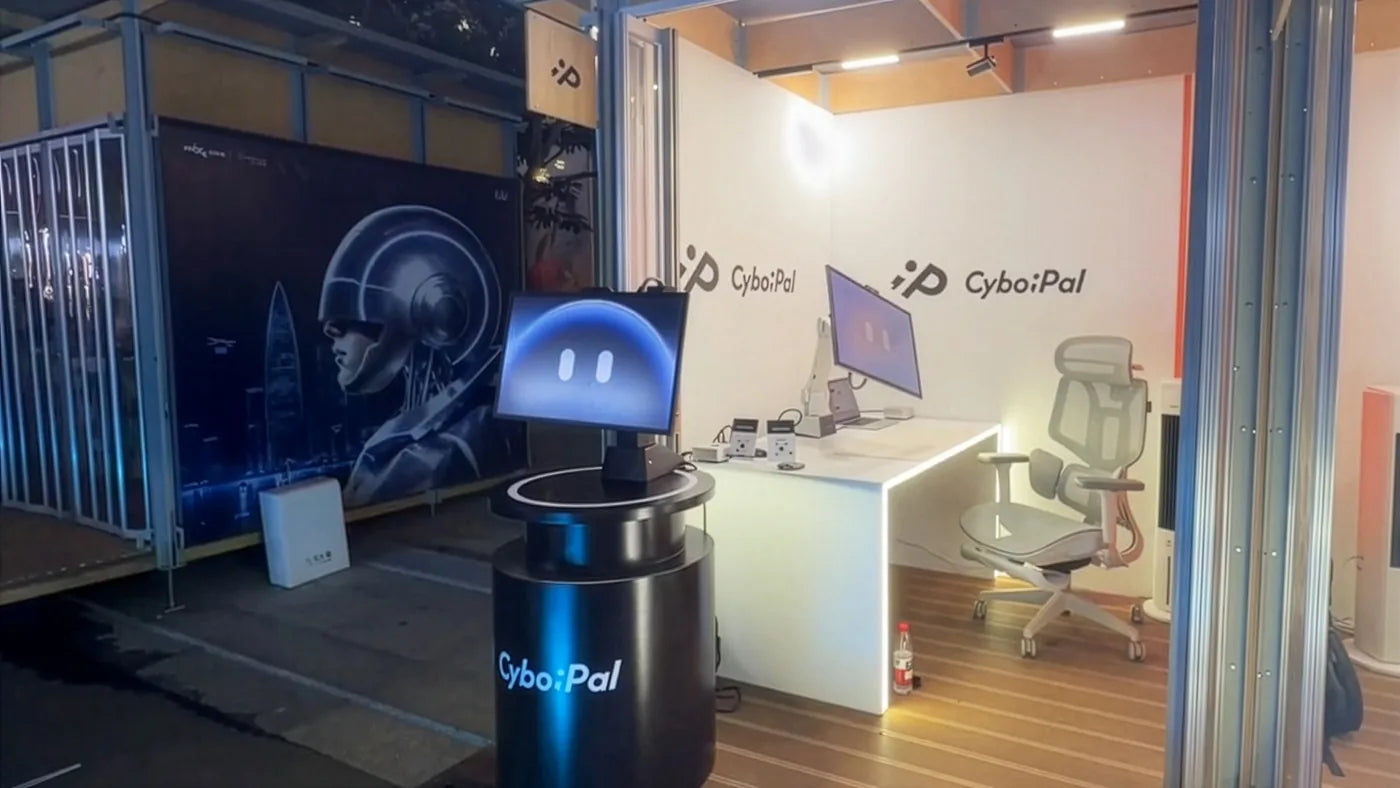
Meet ONE in Person
Sit down, wave your hand, feel it move toward you. Events coming soon.
10
Shipping
First units leave the production line. OTA updates start the day it lands.








Sign Up to Our Newsletter
Be the first to know about launch dates, beta access, and early-bird pricing.